Emailing or texting a receipt to a customer
DTPayments allows you to email or text receipts to customers. This can be done in two different ways.
1) At the time of sale, via the success screen:

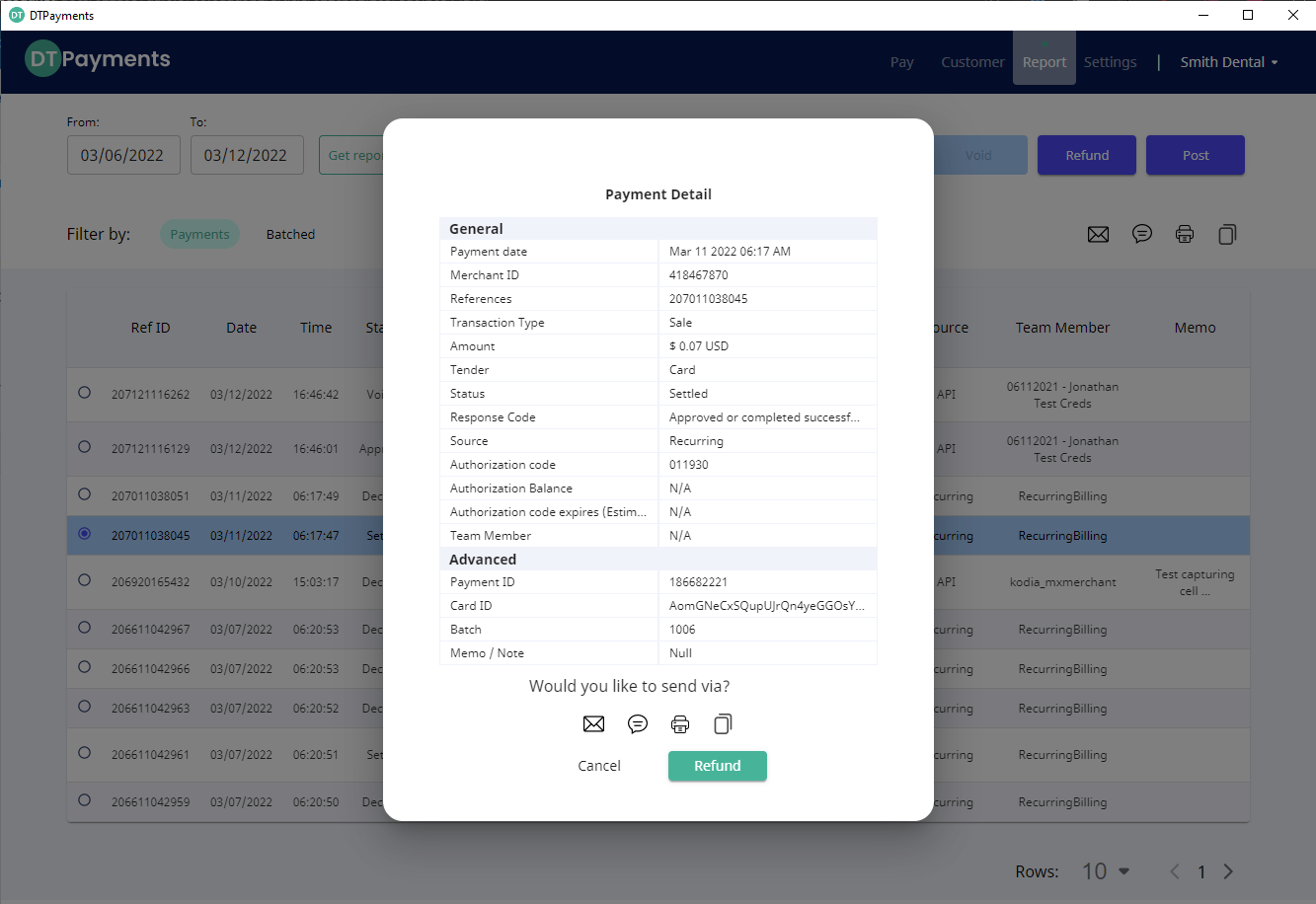
2) Or, after the sale via the payment report. From the payments report screen, search for the day of the payment, then click the row of the payment to see the payment details. The Email and Text icons will be at the bottom.